


For Hotmail and Outlook.com
Your mail, calendar and contacts in one app
Connect for Hotmail & Outlook keeps your inbox in sync and lets you know when new mail arrives. Free on Android.

5 million+ downloads
Features
Everything from your account, on your phone
-
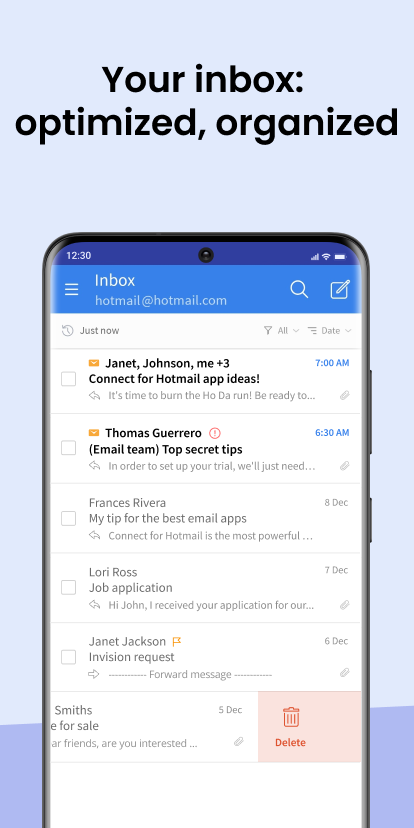
Always in sync
New mail shows up right away, with a notification so you don’t have to keep checking.
-
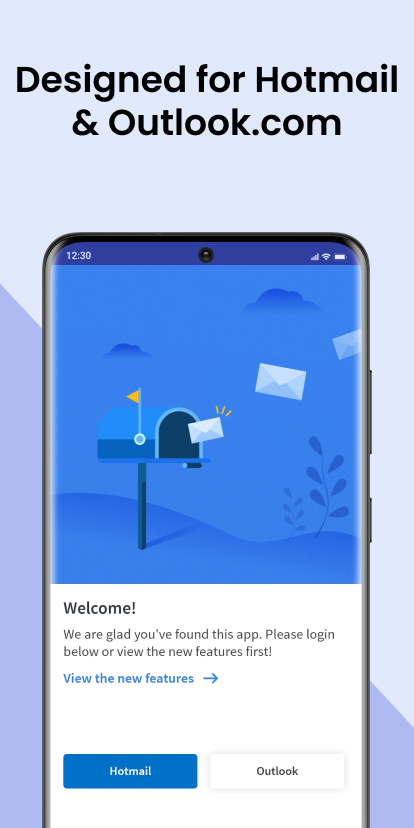
Your Microsoft accounts
Hotmail and Outlook.com, plus work or school accounts. Add more than one.
-
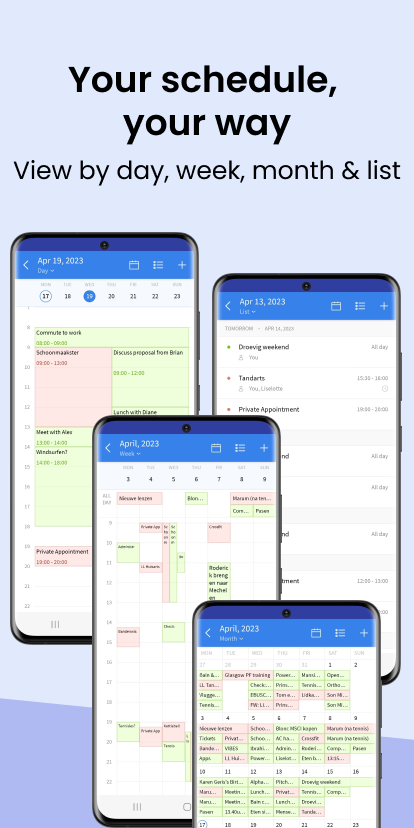
Your calendar, your view
See your events by list, day, week or month, synced with your account.
-
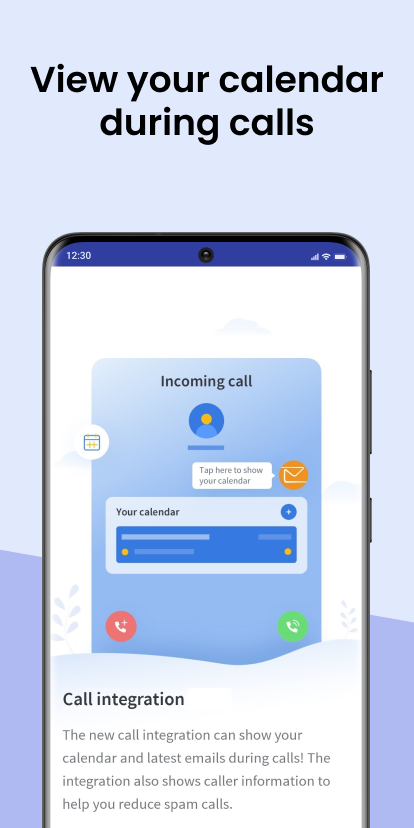
Handy during calls
Your calendar and mail stay at hand during and right after a call, so you can plan or reply straight away.
-
Contacts included
Contacts from your Hotmail or Outlook account are synced to the app.
-
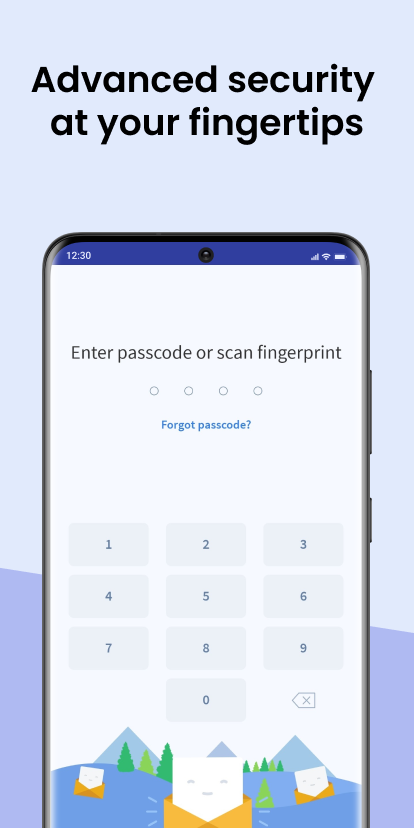
Locked when you want
Protect the app with a passcode or your fingerprint.
-
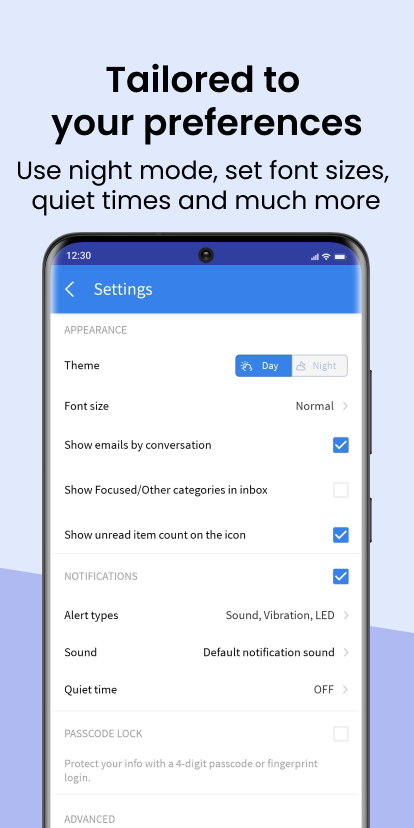
Day and night
Switch to night mode for a dark screen, and pick the font size that suits you.
-
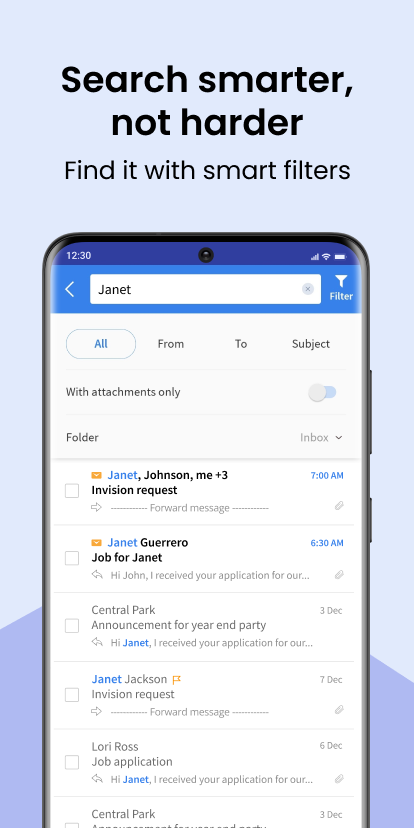
Find it fast
Focused and Other inbox, mail grouped by conversation, and search by sender, subject, attachment or folder.
Screenshots
A look inside
Reviews
What people say
Reviews from Google Play.
-
5 out of 5 stars
“Best app for email, especially Hotmail. Used it for years, wouldn't change it. Keep up the great work. A+++++++”
Tony A. · January 2024 · Google Play -
5 out of 5 stars
“Duidelijke app zonder te veel reclame. Eindelijk gevonden. Voor mij de beste app die er is, super tevreden, wil wel meer dan vijf sterren geven.”
Martine H. · June 2023 · Google Play -
5 out of 5 stars
“Quick access and all the features you will ever need. No complaints here.”
Darren R. · March 2023 · Google Play -
5 out of 5 stars
“Echt een hele fijne app! Moest in het begin even wennen, maar kan nu niet meer zonder. Echt een grote aanrader.”
Lenette P. · March 2021 · Google Play
FAQ
Common questions
Is this the official Microsoft app?
No. Connect for Hotmail & Outlook is an independent email app by Connectivity Apps. It is not affiliated with, authorized, sponsored or otherwise approved by Microsoft Corporation.
Which accounts can I use?
Hotmail, MSN and Outlook.com accounts, and Microsoft work or school accounts. You can add more than one account to the app.
Is the app free?
Yes. The app is free to download and use. It shows ads.
I can’t sign in. What can I do?
First check that you can sign in to your account at outlook.com in a browser. If that works and the app still won’t sign in, update the app to the latest version from Google Play and try again. Still stuck? See “Still need help?” below the questions.
I don’t get notifications for new mail
Check that notifications are allowed for the app in your phone’s settings (usually Settings, Apps, Connect for Hotmail & Outlook, Notifications). Some phones stop apps in the background to save battery; set battery use for the app to Unrestricted. Also check that quiet times are off in the app’s settings.
Does the app sync my calendar and contacts?
Yes. Calendar events and contacts from your Hotmail or Outlook account are synced. You can view your calendar by list, day, week or month.
Can I lock the app?
Yes. In the app’s settings you can set a 4-digit passcode and unlock the app with your fingerprint.
Is there a dark mode?
Yes. In the app’s settings, choose Night under Theme.
How do I delete my data?
You can request deletion from within the app or by email. The steps are on the Request Data Deletion page.
Still need help?
Send us an email at the address listed under App support on the app’s Google Play page. If you report a problem, please mention your phone model and Android version.
Get it on your phone
Free on Google Play.